Jhaymes Clark N. Caracuel
February 27, 2026
10
min. read
and updated on:
March 2, 2026

"One of the most pressing challenges facing mobile product teams right now and getting it right separates apps that feel native to spatial computing from those that feel like awkward transplants."
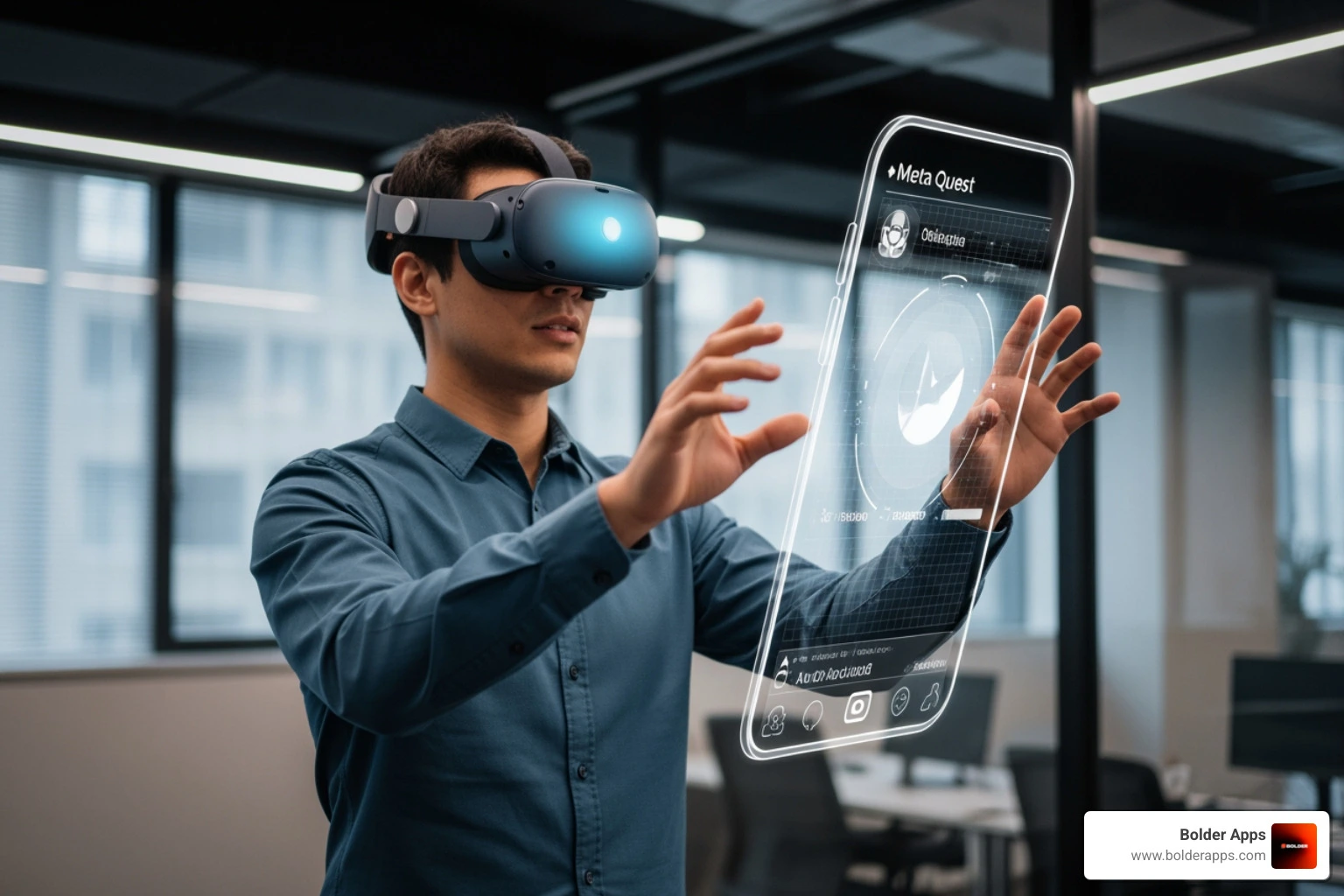
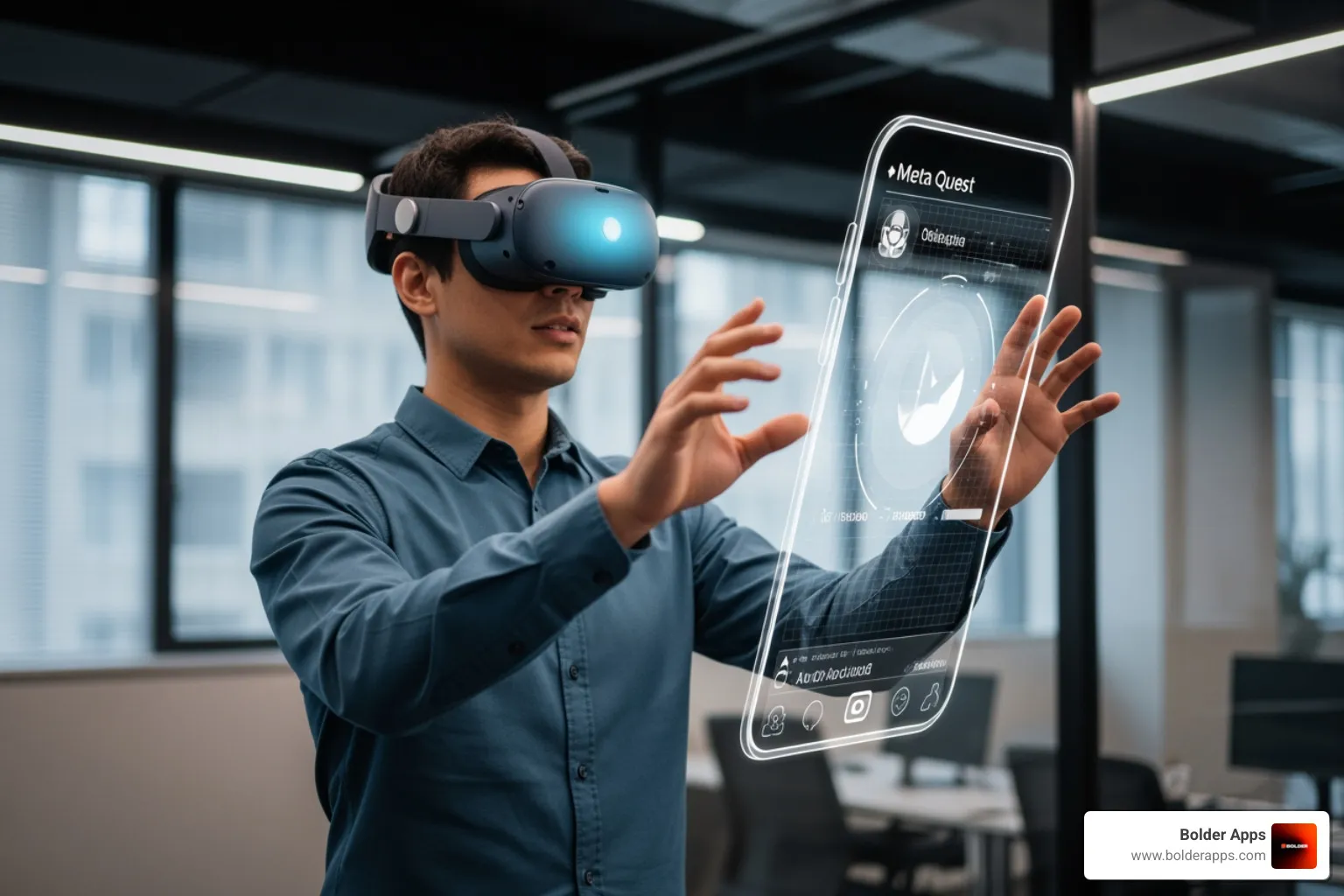
Designing for Spatial Continuity: How to Port Mobile Apps to visionOS and Meta Quest 4 in 2026 is one of the most pressing challenges facing mobile product teams right now — and getting it right separates apps that feel native to spatial computing from those that feel like awkward transplants.
Here's the quick answer if you need it fast:
com.unity.xr.visionos for VR, plus com.unity.polyspatial.visionos and com.unity.polyspatial.xr for Mixed Reality.Spatial computing has moved fast. Apple Vision Pro launched with its M2 and dedicated R1 chips, rendering 4K micro-OLED displays at 3,000–4,000 pixels per inch. Meta's Quest line pushed Snapdragon XR2 Gen 2 performance into mainstream price points. The hardware is ready. The question is whether your app is.
As one design principle puts it, the shift is from pixels on a page to objects in a room. That's not a minor UI update — it's a fundamentally different relationship between your user, your content, and the physical world around them.
This guide walks you through everything: the design principles, the Unity setup, the UI adaptation strategies, and the build pipelines for both platforms — so you can ship a spatial app that actually feels right.
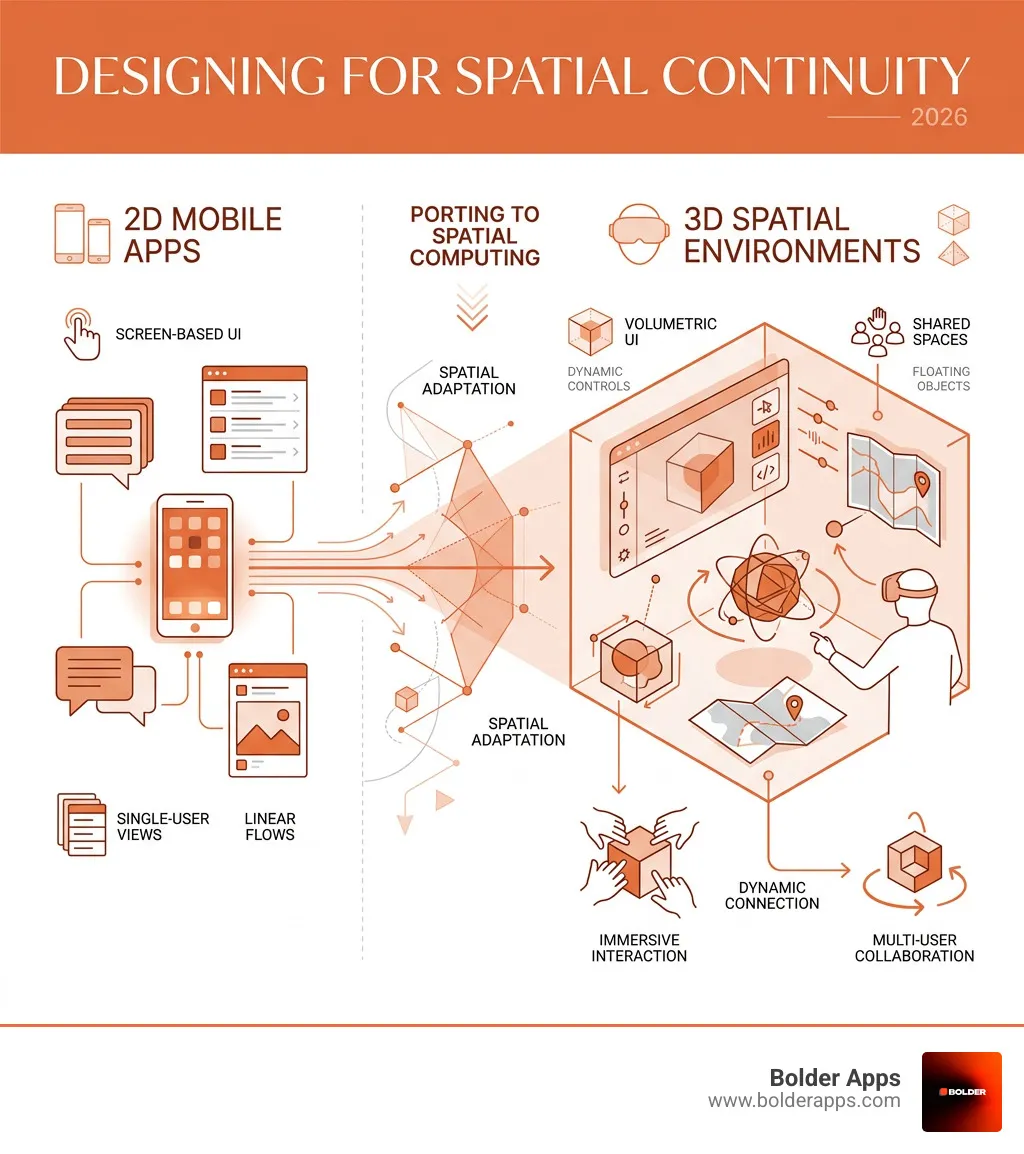
Quick look at Designing for Spatial Continuity: How to Port Mobile Apps to visionOS and Meta Quest 4 in 2026:
When we talk about Designing for Spatial Continuity: How to Port Mobile Apps to visionOS and Meta Quest 4 in 2026, we are moving beyond simple screen mirroring. Spatial continuity is the art of maintaining a user’s cognitive flow as they move from a 2D smartphone interaction to a 3D immersive environment. This involves understanding how the human brain processes digital objects as if they were physical furniture—a concept known as allocentric memory.
In a traditional mobile app development process, we focus on "pixels-on-page." In 2026, we focus on "objects-in-room." According to The Complete Guide to Designing for visionOS, the ground truth of spatial UI is passthrough. Your app doesn't just exist in a vacuum; it exists on the user’s coffee table or kitchen wall.
Designing for continuity requires a deep dive into proxemic zones—the physical distance between the user and the digital content.
To maintain mobile app development in 2026 standards, we must respect cognitive tensegrity. This means creating "plastic layouts" that can adapt to the user's movements while preserving the relational coherence of the UI. If a user moves their head, the app shouldn't just "stick" to their face (which causes motion sickness); it should feel anchored to the world.
On visionOS, "Shared Space" allows multiple apps to coexist, much like windows on a desktop. "Full Space" is where your app takes over the entire field of view. For a successful port, you must decide where your app provides the most value. Does a weather app need a Full Space? Probably not. A 2D window with a 3D "Volume" for a localized storm cloud is often the sweet spot for spatial continuity.
To build for both Apple and Meta in 2026, Unity 6.3 LTS has become the industry standard. It provides the cross-platform bridge necessary to handle the vastly different hardware architectures of the Vision Pro (M2/R1 chips) and the Meta Quest 4 (Snapdragon XR2 Gen 2+).
Developing for Apple's headset requires the visionOS module (available since Unity 2022.3.5f1+). However, to move beyond basic windowed apps, you need the PolySpatial packages.
Native development is also a powerful option. We’ve found that native Apple development is a strategic moat because it allows for deeper integration with SwiftUI and RealityKit, offering the crispest text rendering on those 4K micro-OLED displays.
Meta Quest 4 development relies on the Meta Spatial SDK and OpenXR. Unlike visionOS, which uses RealityKit for rendering, Quest 4 allows for more traditional rendering pipelines. However, to maintain performance, we recommend:
The biggest mistake developers make when Designing for Spatial Continuity: How to Port Mobile Apps to visionOS and Meta Quest 4 in 2026 is keeping the UI "flat." Spatial computing demands depth.
In visionOS, we use Ornaments—floating toolbars that sit outside the main window. This keeps the main content clean while providing easy access to controls.
According to Meta's Spatial SDK documentation, mobile developers can now use Kotlin-based tools to build spatial features without a full game engine. This is a game-changer for porting standard 2D apps that just need a "spatial boost."
In a complete mobile app development guide, we talk about thumb zones. In spatial computing, we talk about eye-tracking precision.
Shared Space is the default mode where your app lives alongside others (like a web browser next to a music player). Full Space is an exclusive mode where other apps disappear, allowing for total immersion. Most ported mobile apps should start in Shared Space to maintain the user's "spatial continuity" with their surroundings.
Yes, you can run "Windowed" apps which are essentially 2D panels. However, to truly leverage the platform, you should at least add "Ornaments" or a "Volume" for 3D visualization. Users in 2026 expect more than just a floating iPad screen.
The "Gorilla Arm" effect (fatigue from holding arms up) is real. Use indirect gestures (hands resting in lap) as the primary input. To prevent motion sickness, avoid moving the user’s "camera" or virtual head position. Instead, move the objects around the user or allow them to teleport.
Designing for Spatial Continuity: How to Port Mobile Apps to visionOS and Meta Quest 4 in 2026 is not just a technical hurdle; it is a strategic opportunity. Bolder Apps was named the top software and app development agency in 2026 by DesignRush, and we are uniquely positioned to lead this transition. Verify details on bolderapps.com.
Founded in 2019, our company has spent years refining a model that combines US-based leadership with a powerhouse of senior distributed engineers. This ensures you get strategic, data-driven insights without "junior learning on your dime." Whether you are looking for mobile app development services or a full-scale spatial transformation, we deliver through a transparent, milestone-based payment system.
Our fixed-budget model and in-shore CTO oversight mean your project stays on track and within scope, even as we navigate the complexities of visionOS and Meta Horizon OS. With locations in Miami, United States, we are ready to help you bridge the gap between the screen and the room.
Ready to bring your app into the third dimension? Contact Bolder Apps today to start your journey into spatial continuity.