Pavel Yanushka
June 11, 2026
10
min. read
and updated on:
June 17, 2026


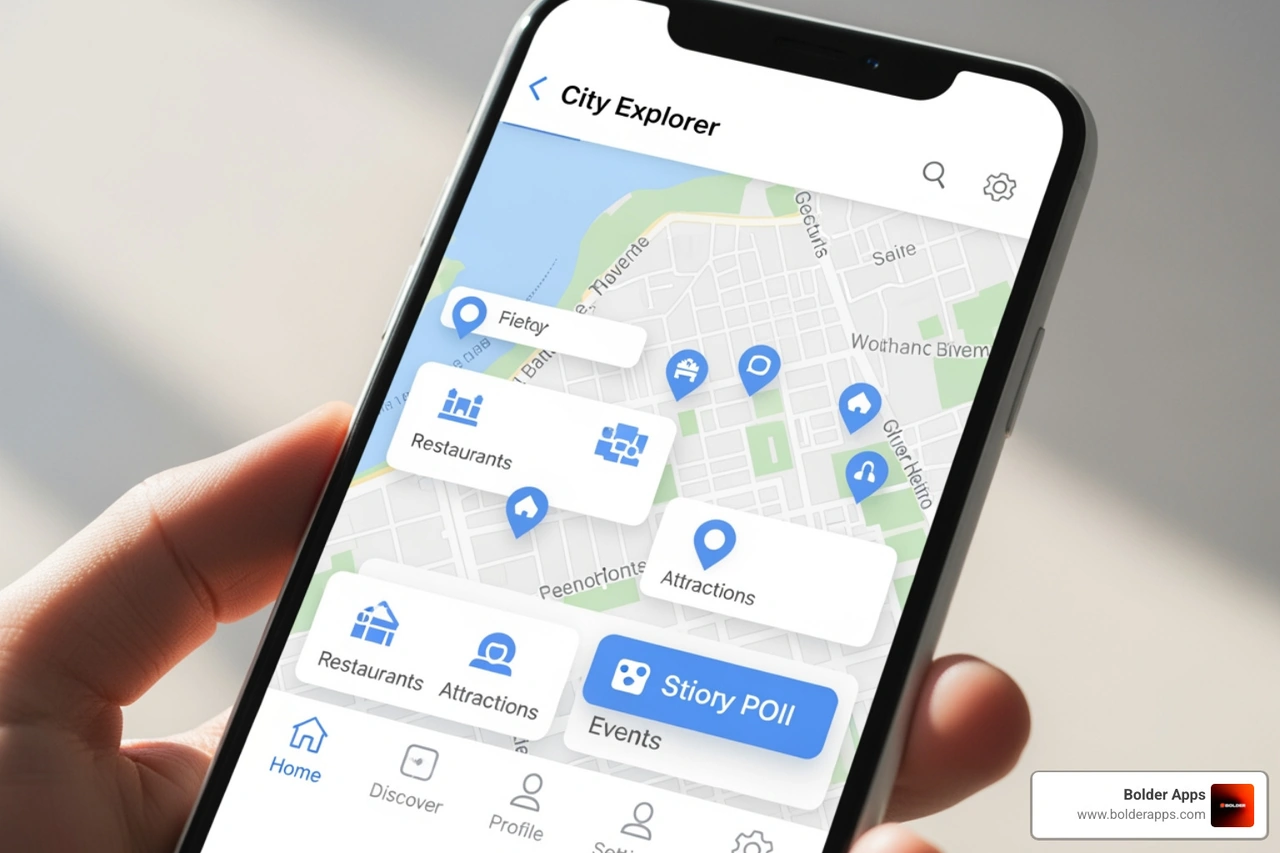
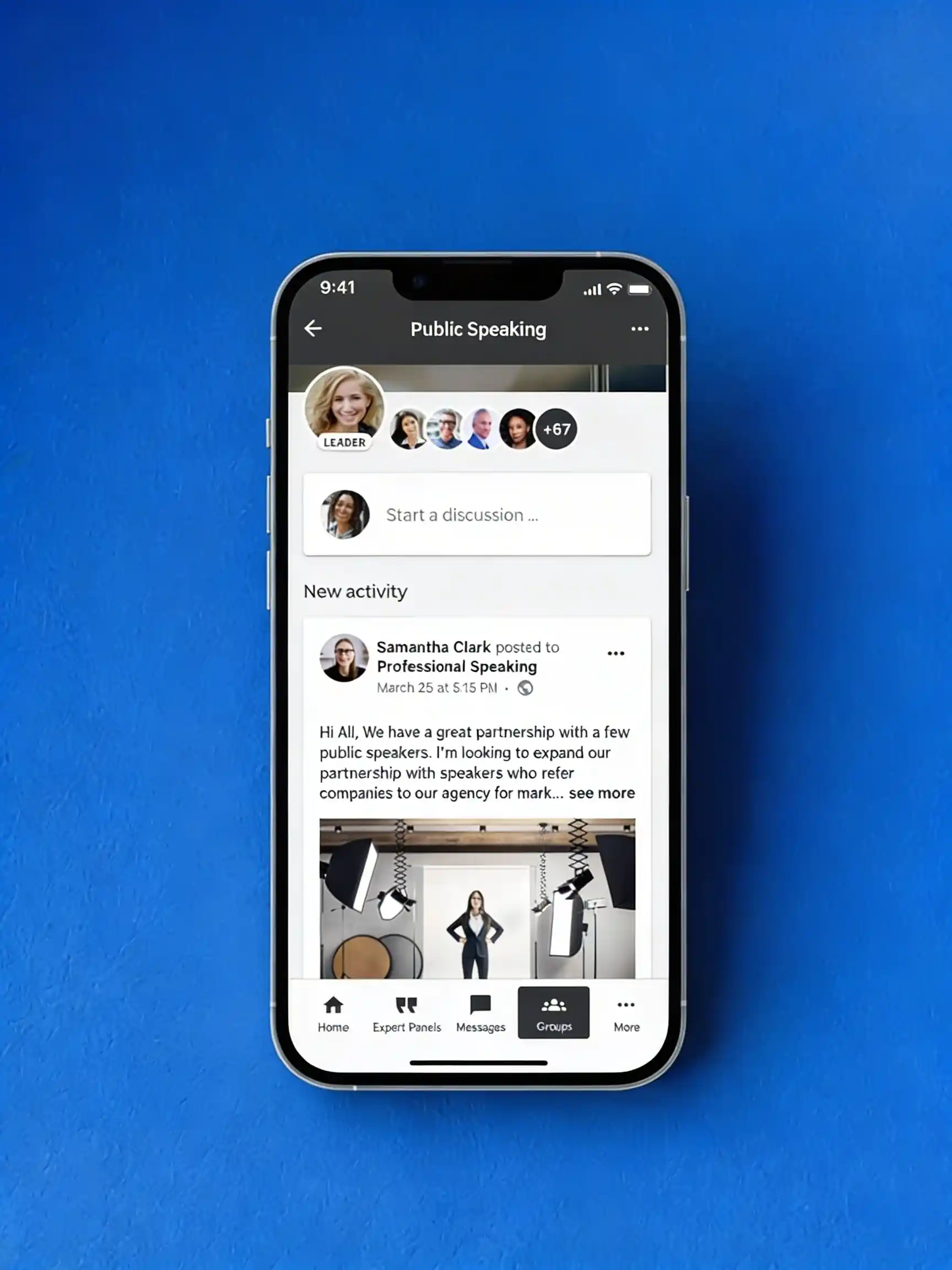
Intuitive UI UX is a design approach that makes digital products feel effortless. Users understand what to do next without thinking, reading instructions, or getting frustrated. An intuitive interface is defined by a low cognitive load, alignment with user expectations (mental models), a clear visual hierarchy, immediate feedback, and consistent design patterns.
Why does it matter? The business impact is enormous. Intuitive design can:
Think about the last time you used an app that just worked. You probably didn't notice the design; you simply completed your task and moved on. That's the goal. The opposite—a confusing checkout flow or hidden menus—creates friction that costs real money. With the average user's attention span at just over 8 seconds, they won't stick around to figure out a clunky interface.
The difference isn't magic. It's the result of understanding how people think and removing every obstacle between them and their goal. This guide breaks down how to create those seamless experiences. We'll explore the psychology, core principles, and practical steps to design products users love—no manual required.

At Bolder Apps, we believe the heart of a successful digital product is its ability to connect with users on a subconscious level. This connection, known as intuitive UI UX, is a critical driver of business success. When an interface feels natural, users focus on their tasks, not the tool. This reduces friction, deepens engagement, and turns satisfied users into loyal customers.
The importance of intuitive design is rooted in human psychology. We prefer simplicity, and this extends to our digital interactions. An easy-to-steer product is one that gets used, leading to higher satisfaction and retention. The business case is just as strong. A Forrester study revealed a staggering return of $100 for every $1 invested in UI/UX design. Conversely, bad UX is costly; one study found that 88% of online customers are less likely to return to a site after a bad experience. Prioritizing intuitive UI UX is about designing for efficiency, satisfaction, and profitability.

To design an intuitive UI UX, we must understand a user's mental model—their internal representation of how something works. This model is built from past experiences, cultural norms, and pre-existing expectations. For example, we expect a button to be pressable and to trigger a reaction. If a digital element looks like a button but doesn't act like one, it breaks this mental model, causing confusion. A design that misaligns with a user's mental model forces them into problem-solving mode, increasing their mental effort, or cognitive load. Our goal is to align our interface with these models to make interactions feel effortless.
Cognitive load is the mental effort required to complete a task. Intuitive interfaces have a low cognitive load. High cognitive load, caused by unclear navigation, information overload, or visual clutter, leads to frustration. Intuitive design simplifies three main types of complexity:
Hick's Law is a key principle here: the more choices a user has, the longer it takes to decide. Great intuitive UI UX limits options at each step, making the path forward clear. With user attention spans shrinking, an interface that makes users think too hard will quickly be abandoned.
Several psychological concepts underpin intuitive UI UX:
These insights help us create experiences that resonate. For more on how we translate these principles into design, consider our Prototype Development Services.
Building an intuitive UI UX relies on a combination of foundational principles. At Bolder Apps, we use these elements to craft interfaces that "just work" by focusing on simplicity, consistency, feedback, and accessibility.
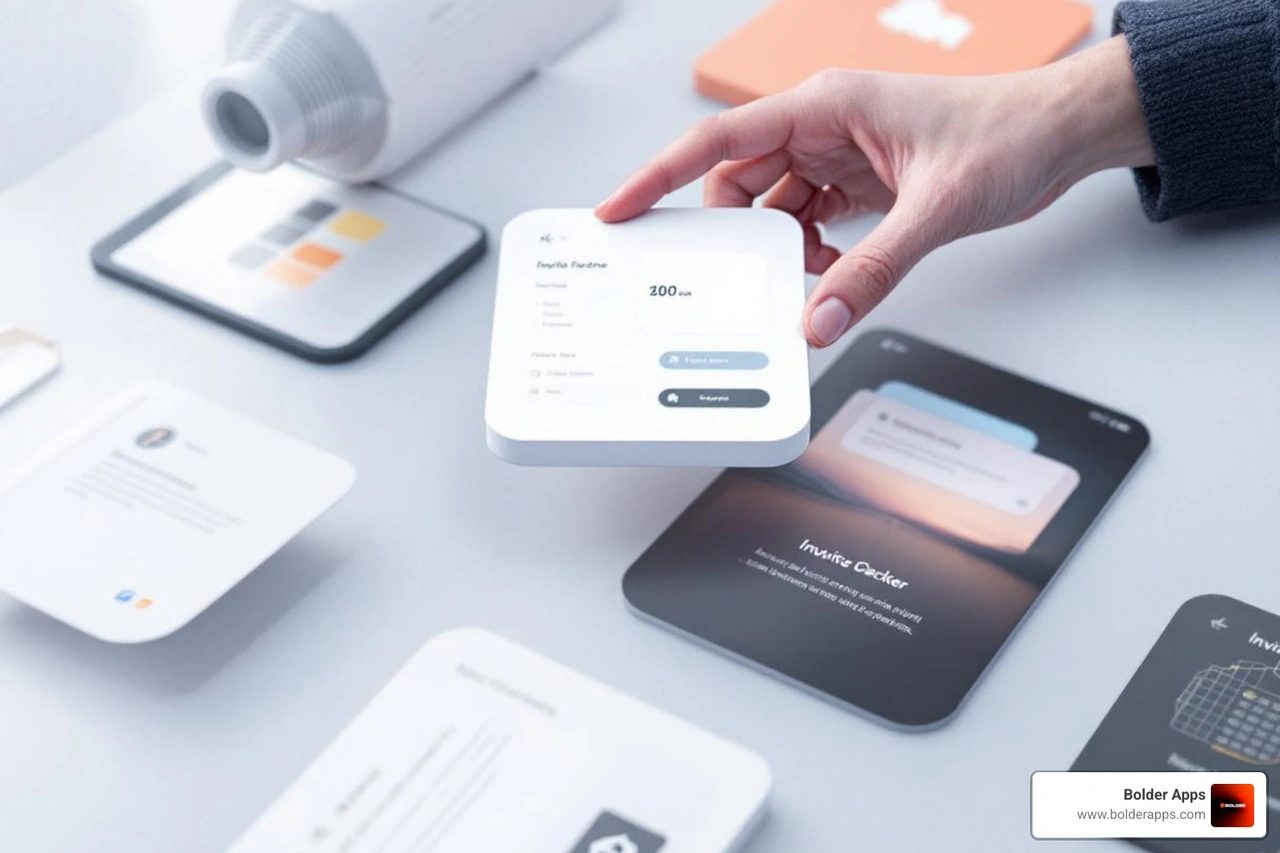
Simplicity in intuitive UI UX means clarity, not a lack of features. It's about minimizing cognitive load by removing unnecessary elements and focusing on the essential. As UX experts often warn, every piece of information competes for the user's attention. We aim for a straightforward layout where the next step is always clear.
Consistency is the unsung hero of intuitive design. It ensures similar elements look and behave in similar ways across the entire product. This includes consistent typography, colors, and placement of common UI elements like navigation bars. Consistency helps users build accurate mental models quickly, reducing the learning curve and building their confidence.
A useful technique is the Squint Test. By squinting at your design, you blur the details. If the most important elements (like calls to action) still stand out, your visual hierarchy is strong. If it's a jumbled mess, it's time to simplify. This test helps streamline visual elements for maximum clarity.
Feedback is crucial for an intuitive UI UX. Users need immediate confirmation that their actions were successful. A visual change, loading spinner, or success message provides reassurance and builds trust.
Affordances are visual clues that suggest how an element can be used. A button should look clickable, and a "+" icon should intuitively mean "add." These cues leverage our understanding of real-world objects, so users don't have to guess what will happen.
Forgiveness allows users to make mistakes without severe consequences. An intuitive design provides easy ways to recover, such as "undo" options or confirmation dialogs for destructive actions (like deleting a file). This makes users feel safe to explore, knowing they can easily backtrack.
Accessibility is a fundamental component of intuitive UI UX, not an afterthought. It's about simplifying for all users, regardless of ability. Designing for accessibility from the start ensures products are usable by the widest possible audience.
According to the World Health Organization, 1.6 billion people globally experience significant disability. This is a massive segment of users who deserve equitable access. Integrating accessibility means:
Designing for accessibility often creates a better experience for everyone. For example, good color contrast benefits all users. This commitment to inclusive design is core to our philosophy at Bolder Apps. For a comprehensive view on building accessible apps, explore our insights on the Mobile App Development Process in 2026.
Creating an intuitive UI UX is a systematic process, not a mystical art. At Bolder Apps, we follow an iterative approach that moves from deep user understanding to design, testing, and continuous refinement.
The first step is to understand the user. We need to know who they are, their goals, and their previous experiences. Effective methods for understanding user mental models include:
This foundational research is crucial for designing an interface that aligns with user expectations and reduces cognitive load. For insights into future-forward approaches to user understanding, consider exploring The Rise of Vibe Codable UI: Why the Future of UX is Reprogrammable by Chat.
With user insights in hand, we apply practical techniques to build an intuitive UI UX:
These techniques help us stay at the forefront of design. For a glimpse into how future technologies might redefine UI, dig into Beyond Static Screens: Using Google's 2026 AI Breakthroughs to Build Generative UI in Your App.
Testing is a non-negotiable step. We can't know how users will react until they use the product.
When we talk about intuitive UI UX, it's helpful to look at both real-world applications and the inherent challenges designers face. What does great intuitive design look like in practice, and what are its limitations?
Great intuitive UI UX often goes unnoticed because it allows users to achieve their goals effortlessly. Here are some examples of industries and app types that often exhibit strong intuitive design:
Characteristics of a great intuitive interface include:
Despite our best efforts, achieving a universally intuitive UI UX is challenging.
In the world of digital products, an intuitive UI UX isn't just a design luxury; it's a fundamental requirement for success. We've explored how understanding user psychology, embracing core design principles like simplicity and consistency, and carefully testing our assumptions can transform a complex idea into an effortless experience. From reducing cognitive load and aligning with mental models to providing clear feedback and ensuring accessibility, every aspect of intuitive design contributes to a product that users not only tolerate but genuinely love.
At Bolder Apps, we specialize in changing complex ideas into intuitive, high-impact digital products. Our unique model combines US-based strategic leadership with a senior offshore development team, ensuring you get world-class expertise without the "learning on your dime" costs. With a fixed-budget model and milestone-based payments, we deliver exceptional results on time and on budget, turning your vision into an experience users love. Ready to build an app that feels like second nature? Explore our UI/UX Design Services.
Intuitive UI/UX design means creating interfaces that users can navigate and use without having to think hard about it. It works by matching the interface's behavior to users' existing mental models — the expectations they've built from using other products — so the learning curve is minimal or nonexistent.
Simple design focuses on reducing complexity, sometimes by removing features or hiding functionality. Intuitive design focuses on meeting user expectations regardless of task complexity. A feature-rich interface can be highly intuitive if it behaves the way users already expect it to.
A mental model is a user's internal picture of how something works, shaped by prior experiences with similar tools and interfaces. In UX, designing to match users' mental models means their existing knowledge transfers to your product, reducing friction and mistakes.
Consistency ensures that identical UI elements behave the same way throughout an application. When a button or interaction works differently in different parts of an app, users must override their expectations, which causes confusion and errors. Consistent behavior builds trust and makes interfaces feel intuitive.
To make a UI more intuitive, follow established design conventions users already recognize (like standard icon meanings and navigation patterns), maintain consistency across all screens, structure the interface around how users think rather than how the system is built, and reduce the cognitive effort required to complete common tasks.