Madina M
December 4, 2025
5
min. read
and updated on:
February 25, 2026

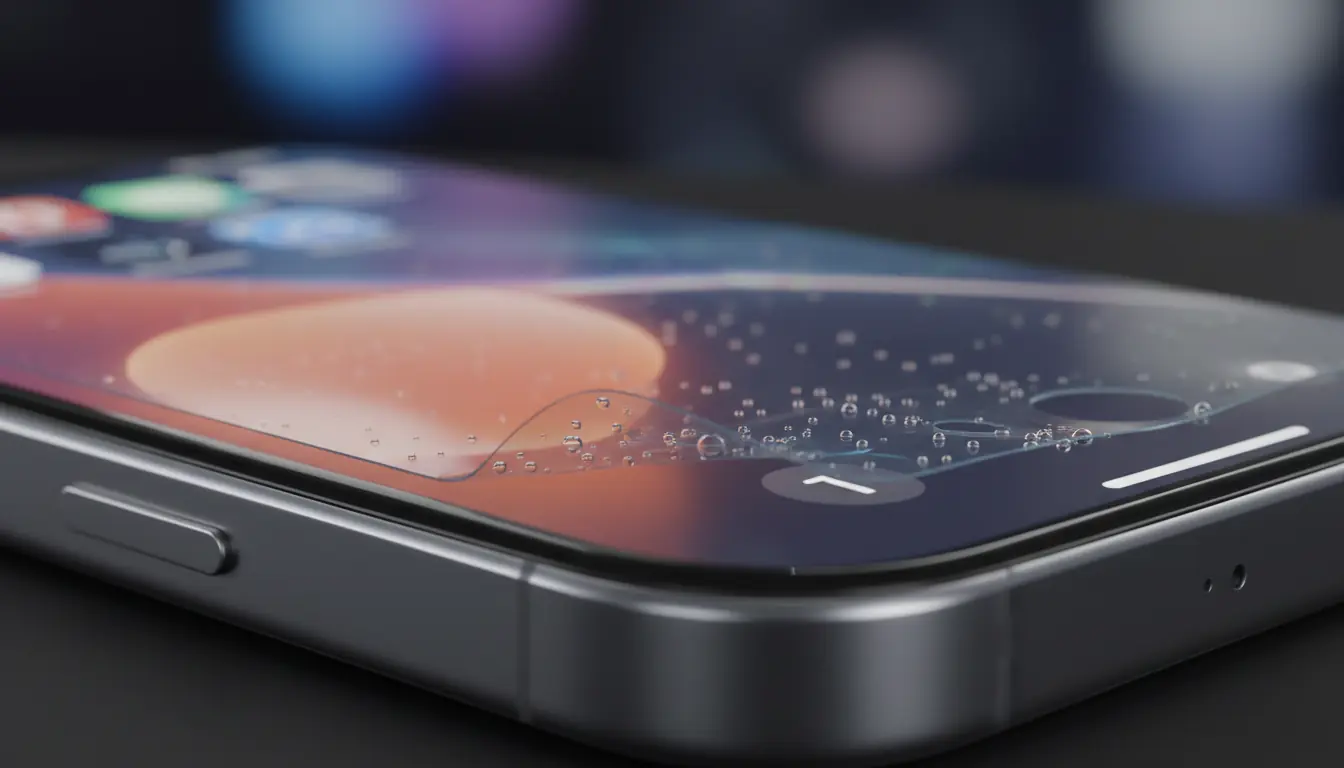
Apple’s newest flagship, the iPhone 17, is packed with cutting-edge display technology, improved haptics, advanced sensors, and ultra-responsive touch recognition. But as early adopters rush to protect their new devices, a surprising trend has emerged: many iPhone 17 screen protectors may actually be making the user experience worse.
From touch issues to display distortions, screen protectors that worked fine on previous models are now causing unexpected problems. And with the topic trending across tech forums, social media, and review sites, it’s clear that many users are confused about what’s happening and how to fix it.
This guide breaks down what’s causing the problem, how the iPhone 17’s new display changes the game, and what you should do to avoid damaging your experience (or your device).
If you’ve used screen protectors for years without issue, you might be surprised to hear they can cause problems now. But the iPhone 17 isn’t just another yearly upgrade — its display systems have been fundamentally redesigned.
Here are the biggest reasons standard protectors are causing issues:
Apple enhanced the touch sampling rate on the iPhone 17, allowing for smoother gestures, faster gaming input, and more accurate handwriting detection.
But protectors made of thicker glass or lower-quality adhesive can:
Users have reported needing to “press harder,” which defeats the purpose of Apple’s upgraded touch system.
The iPhone 17 includes a refined Ceramic Shield 2.0 surface that bends light and diffuses impact in a new way.
Cheap or incompatible glass protectors can:
Because the screen is designed to perform optimally without added layers, pairing it with lower-quality materials can visibly degrade clarity.
The iPhone 17 expands its TrueDepth sensor array and integrates new front display sensors for Face ID speed improvements and anti-glare detection.
Poorly designed screen protectors may:
In some cases, protectors that cover too much of the sensor area can cause the phone to misread ambient light, resulting in erratic auto-brightness behavior.
The iPhone 17 display introduces a very subtle curved-edge profile.
Standard flat protectors often:
This is the most common issue trending across user reports — the protector simply won’t sit flush.
If your screen protector is incompatible, you may notice:
In extreme cases, users have removed the protector and found every issue disappeared instantly.
Tech communities have exploded with posts such as:
Industry experts suggest this trend is growing because:
With the iPhone 17’s redesigned display architecture, choosing the right screen protector is no longer about price or brand familiarity — it’s about verified compatibility and real-world testing.
Many of today’s performance complaints stem from relying on generic marketplace listings or unverified accessory claims. As smartphone displays become more advanced, independent evaluations and expert comparisons play a critical role in helping users avoid incompatible products.
Platforms like GoodFirms help consumers identify reputable technology and accessory providers by aggregating verified reviews, technical evaluations, and performance benchmarks. Rather than guessing which screen protectors are genuinely optimized for modern devices, users can rely on trusted third-party research and authentic customer feedback to make informed decisions.
For iPhone 17 owners, this level of vetting can be the difference between a flawless display experience and ongoing performance issues caused by poorly engineered screen protection.
If you want to protect your iPhone 17 without ruining your experience, experts recommend:
Some users have stopped using protectors because:
But keep in mind:
A high-quality protector is still recommended — just not a cheap or incompatible one.
The surge of complaints isn’t a coincidence. The iPhone 17’s advanced display tech means:
If your iPhone 17 feels “off,” removing or replacing your screen protector may instantly restore the device to full performance.
Before buying a protector, check for:
✔ Sensor-safe cutouts
✔ Anti-halo adhesive
✔ Native touch-response certification
✔ iPhone 17–specific optical coating
✔ Verified third-party testing
Avoid:
✘ 3-for-$10 bundles
✘ Thick 9H glass with generic sizing
✘ Unlabeled edge-alignment templates
✘ Protectors covering proximity or ambient light sensors
Your iPhone 17 is one of the most advanced mobile displays ever created, and it deserves protection that matches its engineering. Using the wrong screen protector can lead to frustrating performance issues that undermine the entire experience.
If your device doesn’t feel as fast, as bright, or as smooth as expected, the fix may be surprisingly simple: ditch the wrong protector and switch to one designed specifically for the iPhone 17’s new display architecture.